


Scroll-Driven Fan-to-Row Photo Gallery
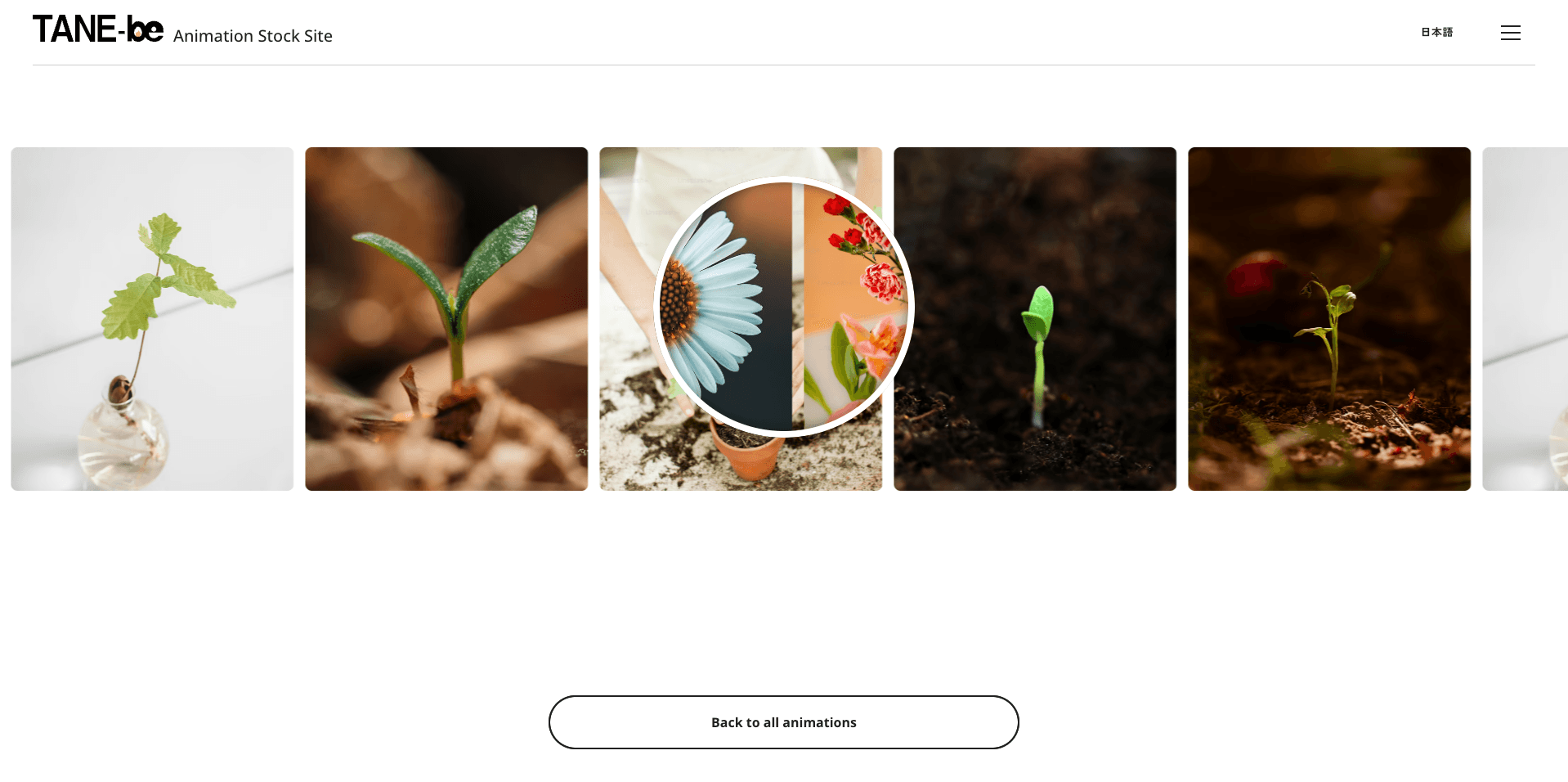
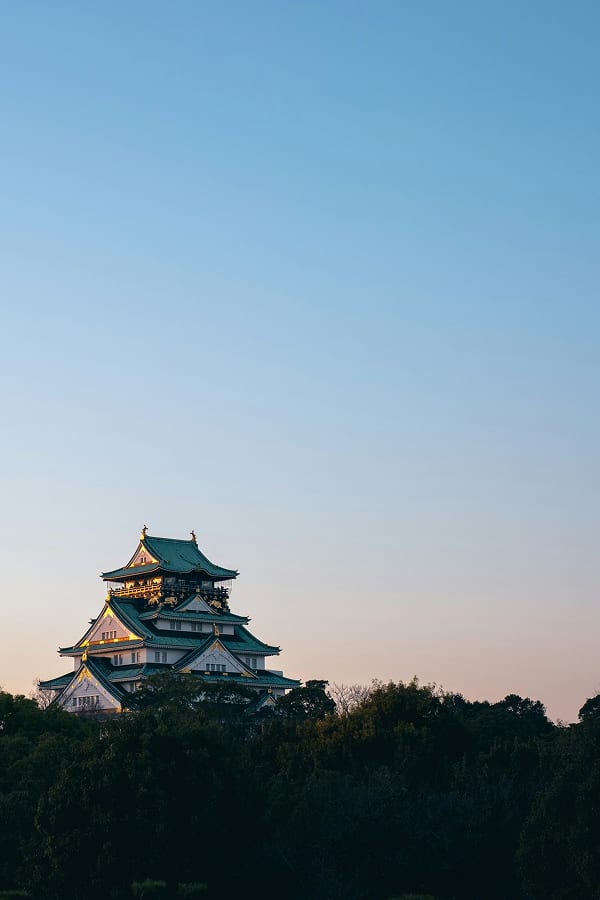
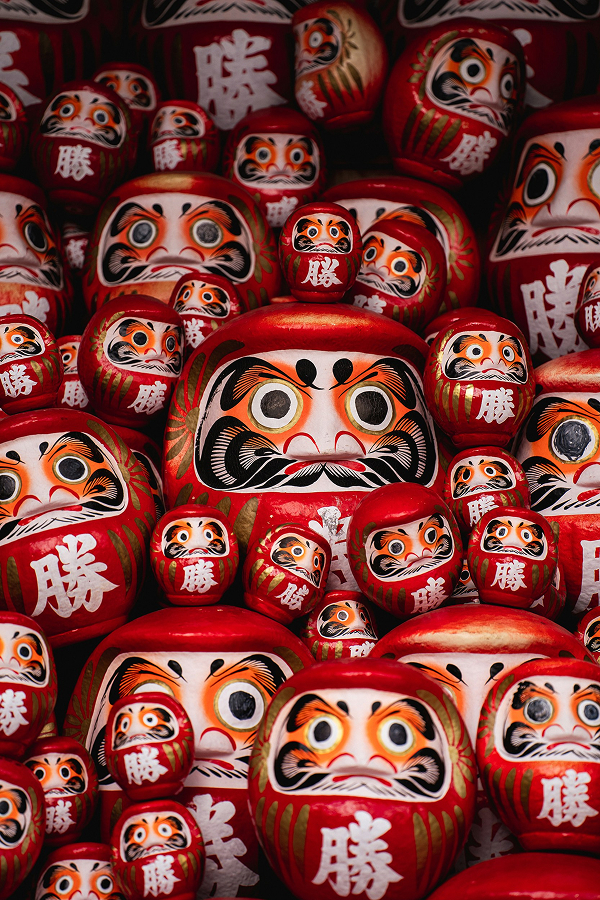
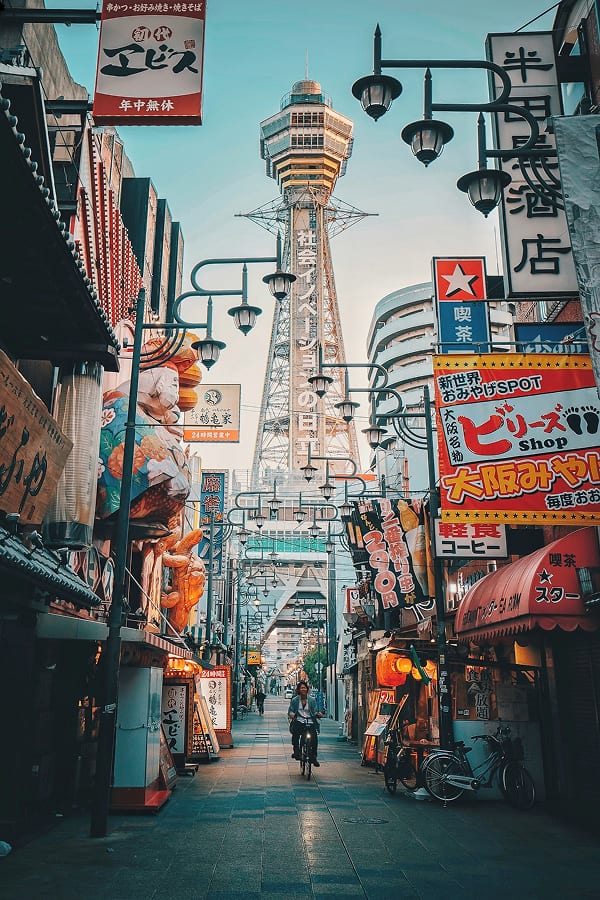
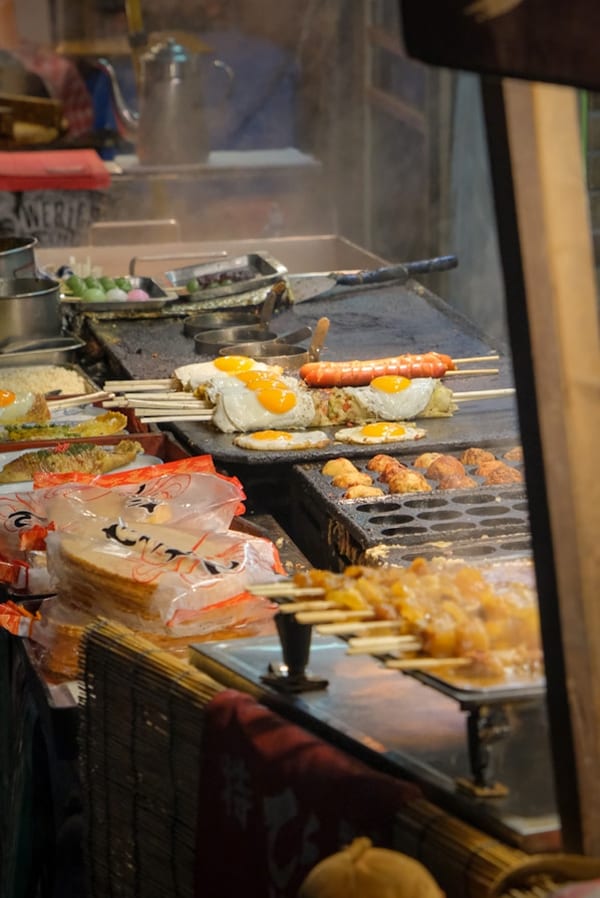
Photos start fanned out in an arc like a hand of playing cards, then straighten into a neat row as you scroll. JavaScript turns the scroll position into a single CSS custom property, and CSS handles all the rotation.
- Built with
- Published
Where to use it
- Travel and event photo highlights
- Portfolio and gallery intros
- Scroll-based storytelling sections
How it works
- JavaScript converts the section's scroll position into one value, --progress, and writes it to the container
- CSS reads --progress inside calc() to rotate and drop the outer cards — up to 25° and 80px in the three-photo layout, and up to 60° and 400px when all seven photos show on wide screens. As the value approaches 1, they settle into a straight row
- Each card pivots from its bottom center, so the photos fan out like cards held in one hand
- Screens under 1024px wide show the three center photos; wider screens reveal all seven
- Photos are served as AVIF and WebP with a JPEG fallback via the picture element
Make it your own
- Fan angle and drop distance
- Number of photos and card size
- Where in the scroll the row completes
Before you ship
- Mobile & touch
- Small screens show the three center photos so the fan stays readable; the full set of seven appears on wider screens.
- Browser support
- Uses CSS custom properties, calc() inside transform, and the picture element — supported by all modern browsers.
- Performance (load: Low)
- Only transform changes while scrolling, and the scroll handler updates just one custom property per event.
- Accessibility
- The photos are decorative and use empty alt text. The heading is real HTML text, so screen readers announce it normally.
- Reduced motion
- Nothing moves on its own — the motion follows the user's own scrolling. With reduced motion enabled, the short easing transition is removed and the cards track the scroll position directly.
FAQ
How does the scroll position drive the CSS?
A small script measures the section with getBoundingClientRect, turns its position into a progress value, and sets it as the --progress custom property. CSS does the rest with calc().
Can I make the fan wider or tighter?
Change the rotation angles and translateY distances in the stylesheet — 25deg and 80px for the three-photo layout, up to 60deg and 400px for the seven-photo layout. Larger values make a more dramatic fan.
Does it need a library?
No. It's plain CSS plus about fifteen lines of vanilla JavaScript.