


GSAP Infinite Marquee with a Circular Lens Effect
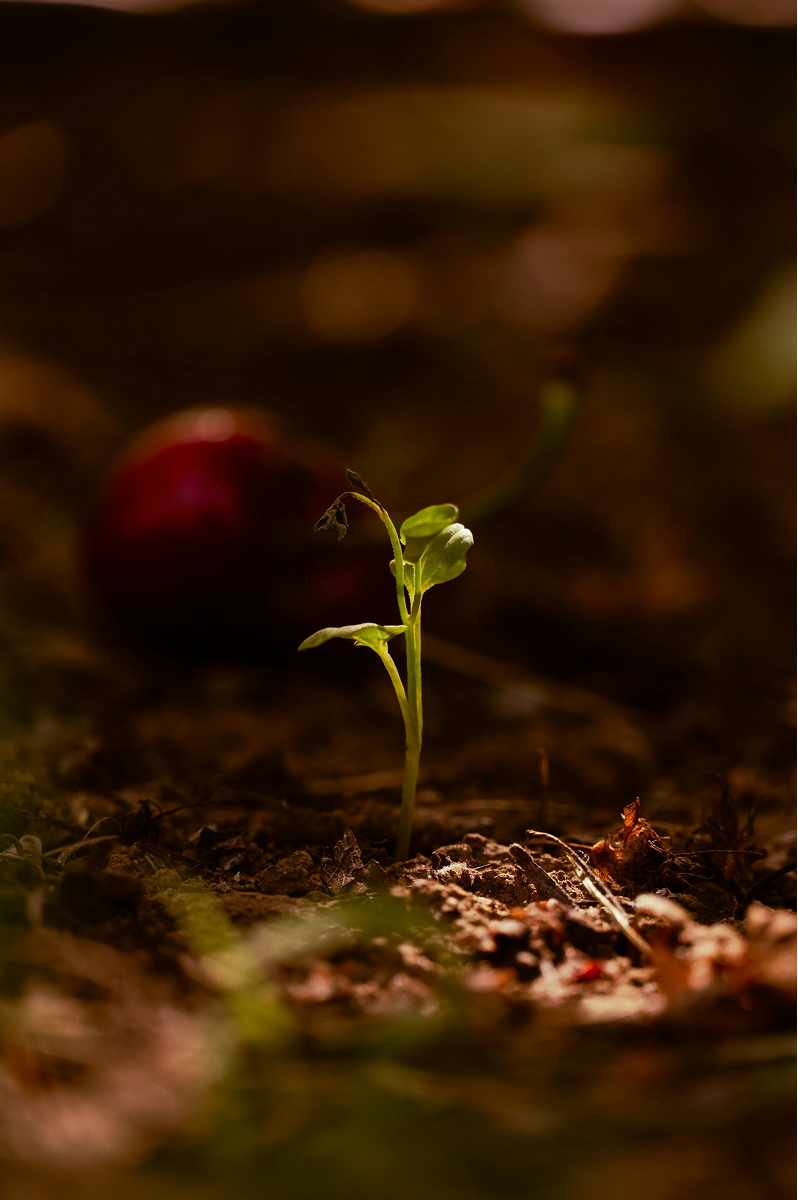
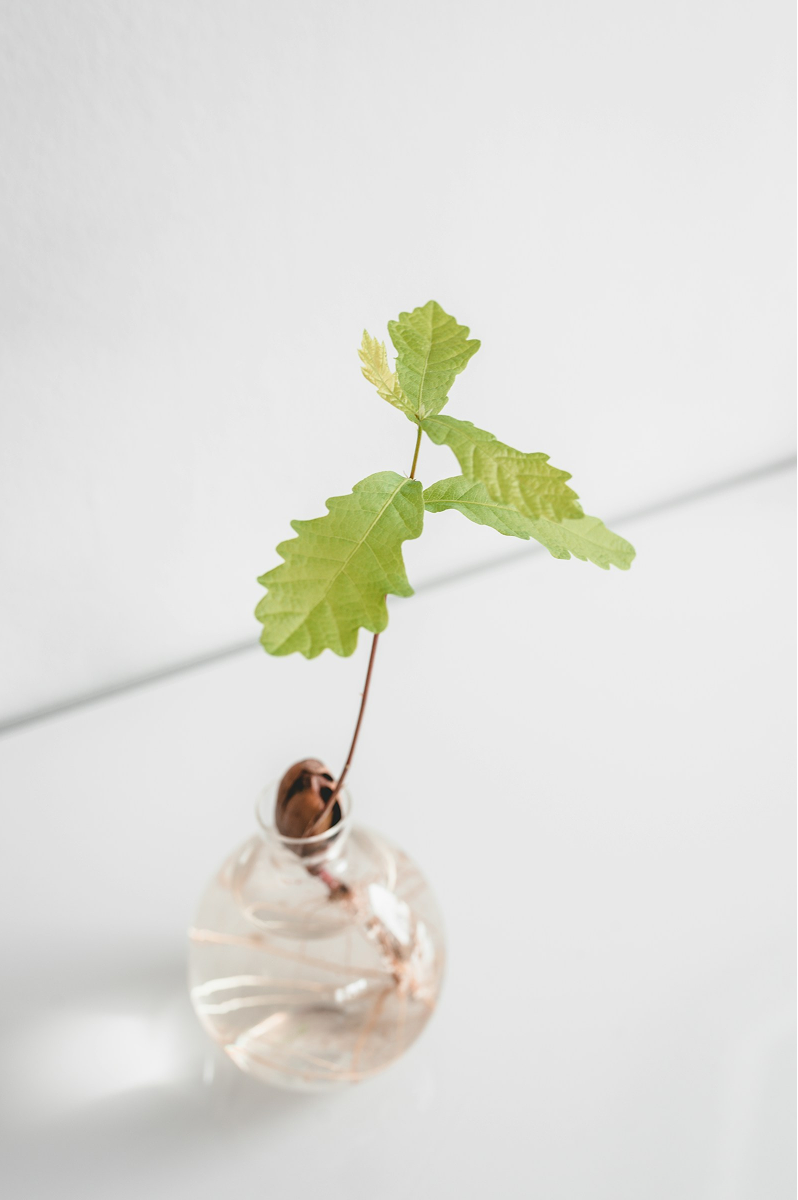
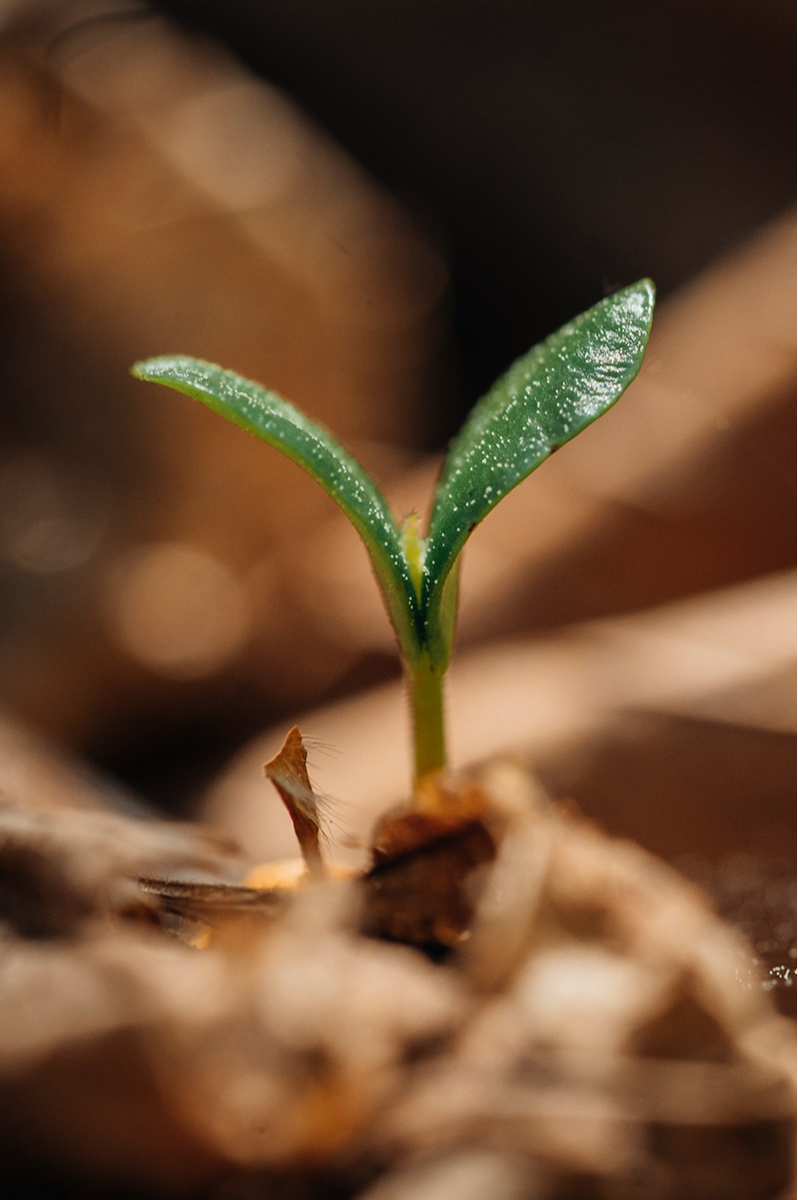
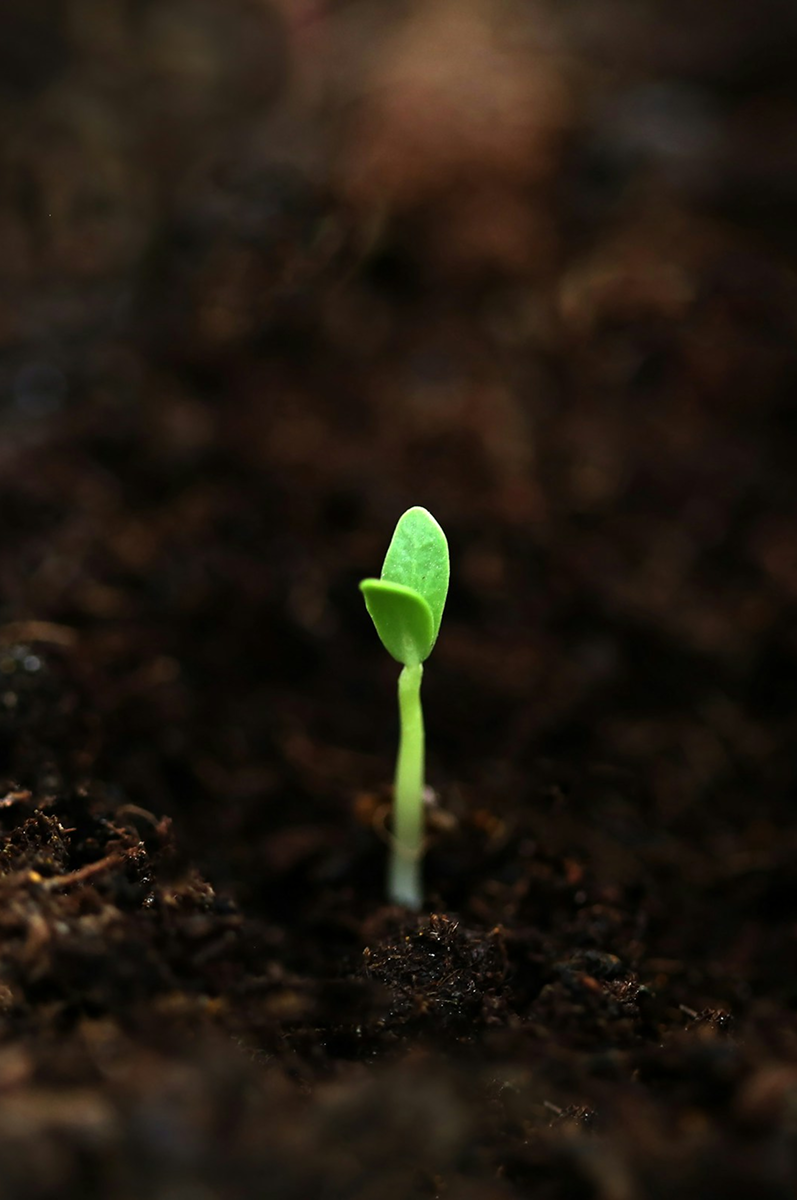
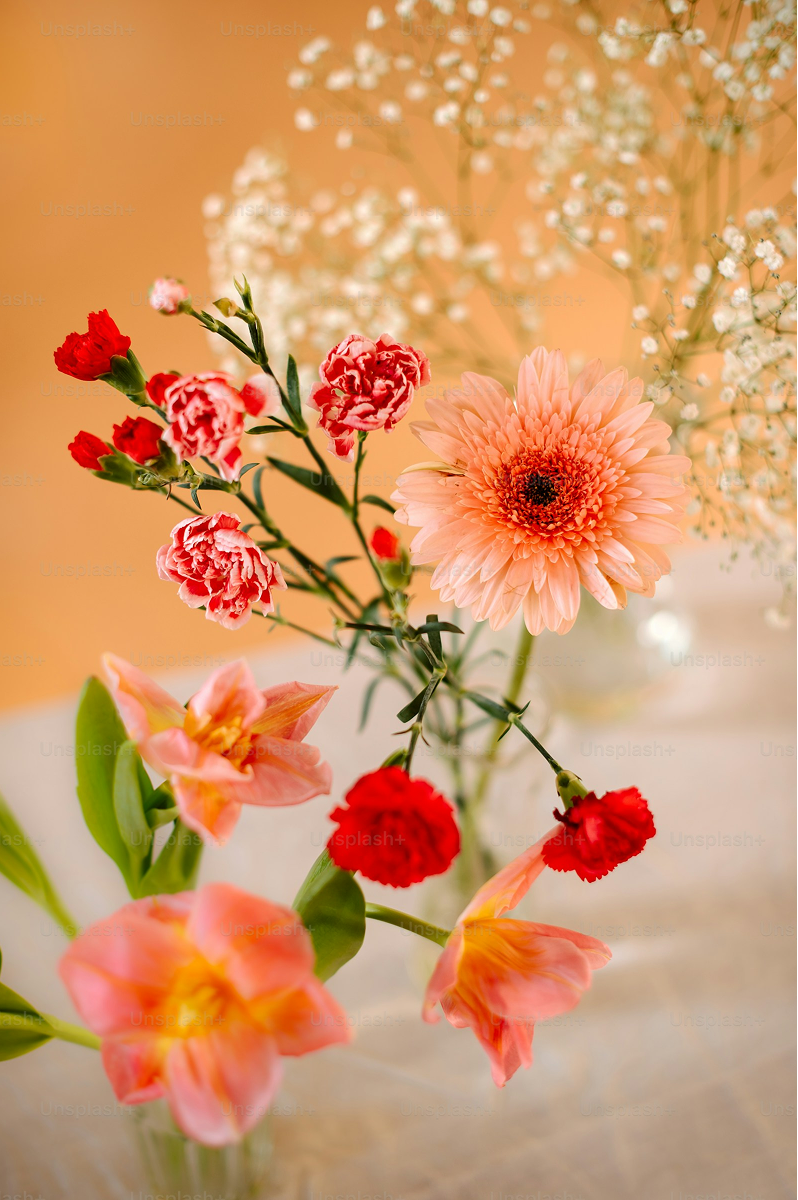
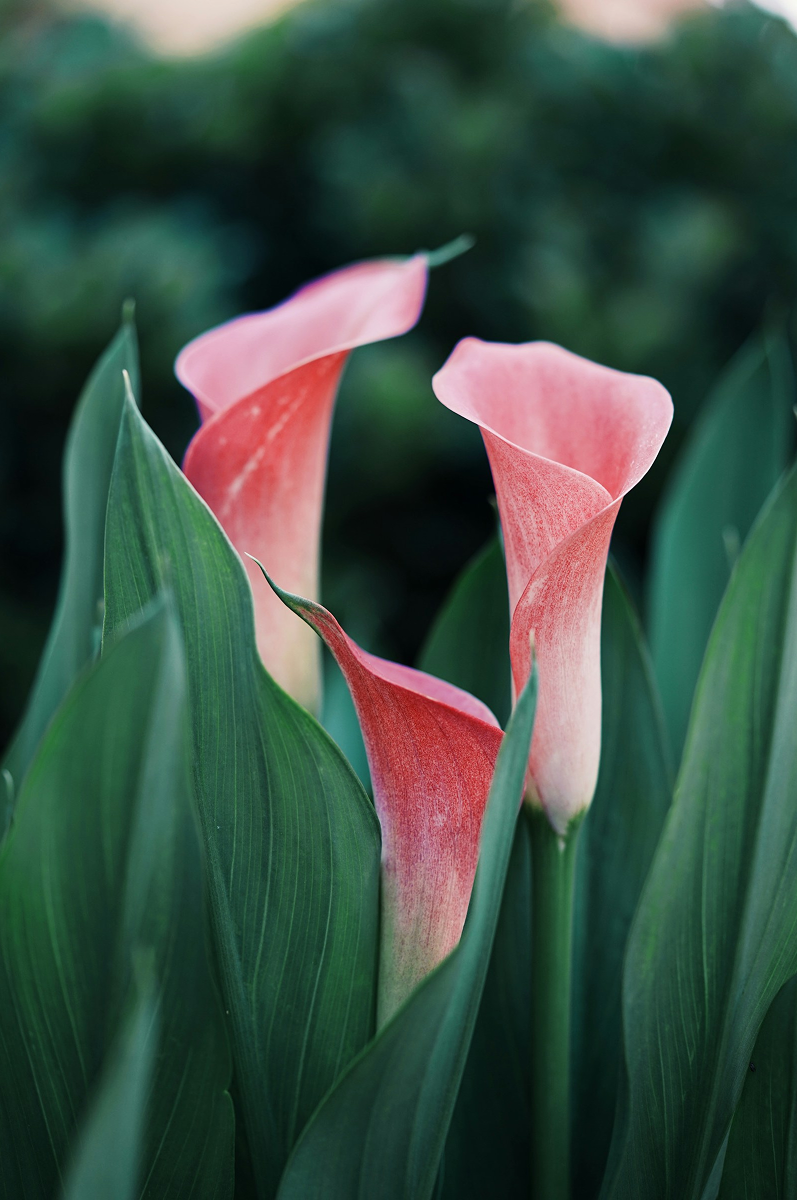
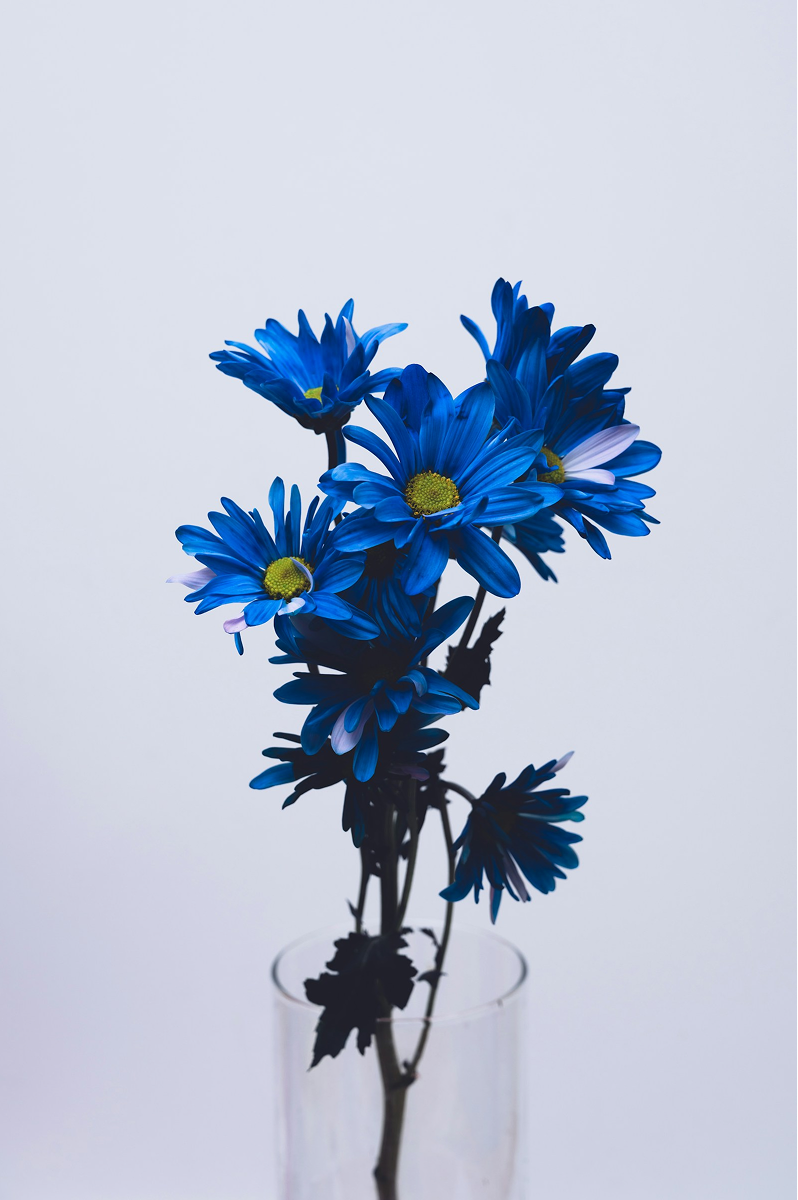
An autoplaying image slider where a row of seed photos drifts past while a circular lens in the center reveals a slower row of flowers. Two GSAP loops run at different speeds, and the flowers inside the lens slowly zoom in — a quiet contrast between seed and bloom.
- Built with
- Published
Build this with an AI assistant
A prompt that bundles the reference URL and the key implementation points. Copy it and paste it straight into your AI assistant.
Recreate only the motion, feel, and timing of the reference page in my current project.
Don't copy the site's look, images, copy, or branding, and don't copy the code line for line.

Motion reference URL: https://tane-be.co.jp/animation/en/slider/14/
Technology guide: GSAP / JavaScript / CSS / HTML

Requirements (animation):
In the current project, recreate two infinite marquees running at different speeds plus a circular lens, using GSAP. Follow the reference URL for the composition and sense of speed. Use your own images or placeholders. Don't reuse the copy or branding. Requirements: 1. The background row and the in-lens row use different image sets. Each row repeats its set twice and moves by half its width to loop (ease: none). 2. Give the two rows different speeds (e.g. a fast background and an in-lens row about 2× slower). 3. Cut out the circular lens with a CSS mask. Use a border and a shadow to define its edge. Autoplay with no controls is fine. 4. Inside the lens, slowly scale up while moving sideways, with transform-origin at the lens center (e.g. scale 1.1). 5. Don't use the reference demo's photos. Choose the number and order of images yourself.

Implementation notes:
- Don't take or reuse images, text, or logos from the reference page; use your own assets, placeholders, or any copy
- Prefer the existing HTML, CSS, naming, directory structure, and libraries; don't add unnecessary dependencies
- Support both desktop and mobile; respect focus-visible and prefers-reduced-motion where relevant
- Keep motion on transform and opacity; avoid always-on listeners or rAF loops
- Keep changes minimal, and finish with a short report of the changed files and what you checked
Where to use it
- Hero visuals for garden centers and florists
- Pages about seeds, growth, or nature
- Brand sites built around natural materials
- Galleries that layer two contrasting motifs
How it works
- Five seed photos and five flower photos are each duplicated into a second set to form seamless loops
- The seed row loops every 20 seconds and the flower row every 40, creating a layered sense of speed
- A fixed circular lens in the center is cut out with CSS mask-image and shows the flower row inside
- The flowers inside the lens drift sideways while slowly scaling up to 1.1
- A white border and a soft shadow around the lens separate it from the background row
- Photos get an 8px corner radius and fill their frames with object-fit: cover
- The picture element serves AVIF, WebP, or PNG depending on browser support
- Image size, lens size, and vertical spacing adapt to the screen width
Make it your own
- Seed and flower photos, their order, and count
- Speed and zoom amount of each row
- Lens size, position, border, and shadow
- Image size, spacing, corner radius, and vertical padding
Before you ship
- Mobile & touch
- On small screens, image frames are 300px wide and 320px tall, and the lens is 200px across. Images outside the viewport are hidden, and the slider autoplays without any touch input. Swipe gestures are not supported.
- Browser support
- Needs JavaScript to run the GSAP animation, and CSS mask-image and radial-gradient support for the circular lens. Images fall back to PNG where AVIF and WebP aren't available.
- Performance (load: Low)
- Both rows move with transform and use will-change: transform. Images are served as AVIF/WebP/PNG with async decoding, but there are 20 image elements including duplicates, and the animation doesn't pause off-screen.
- Accessibility
- All images use empty alt text and are treated as decorative. There's no manual control or pause button — if the images carry meaning, add alt text and a way to stop the autoplay.
- Reduced motion
- There's no prefers-reduced-motion branch yet, so the scrolling and zoom continue with the setting on. To support it, stop the animation and switch to a static layout.
FAQ
How do I make a seamless infinite marquee with GSAP?
Place the same set of images twice in a row and move the track by exactly half its width with ease: none, repeating forever. The jump back is invisible because the second set looks identical to the first.
How is the circular lens cut out?
The lens layer uses CSS mask-image with a radial-gradient, so only a circle of the flower row shows through. A white border and a shadow define its edge.
Why do the two rows move at different speeds?
The seed row loops in 20 seconds and the flower row in 40. The speed gap adds depth and makes the lens feel like a separate window.