Three.js + GSAP Shader Image Slider
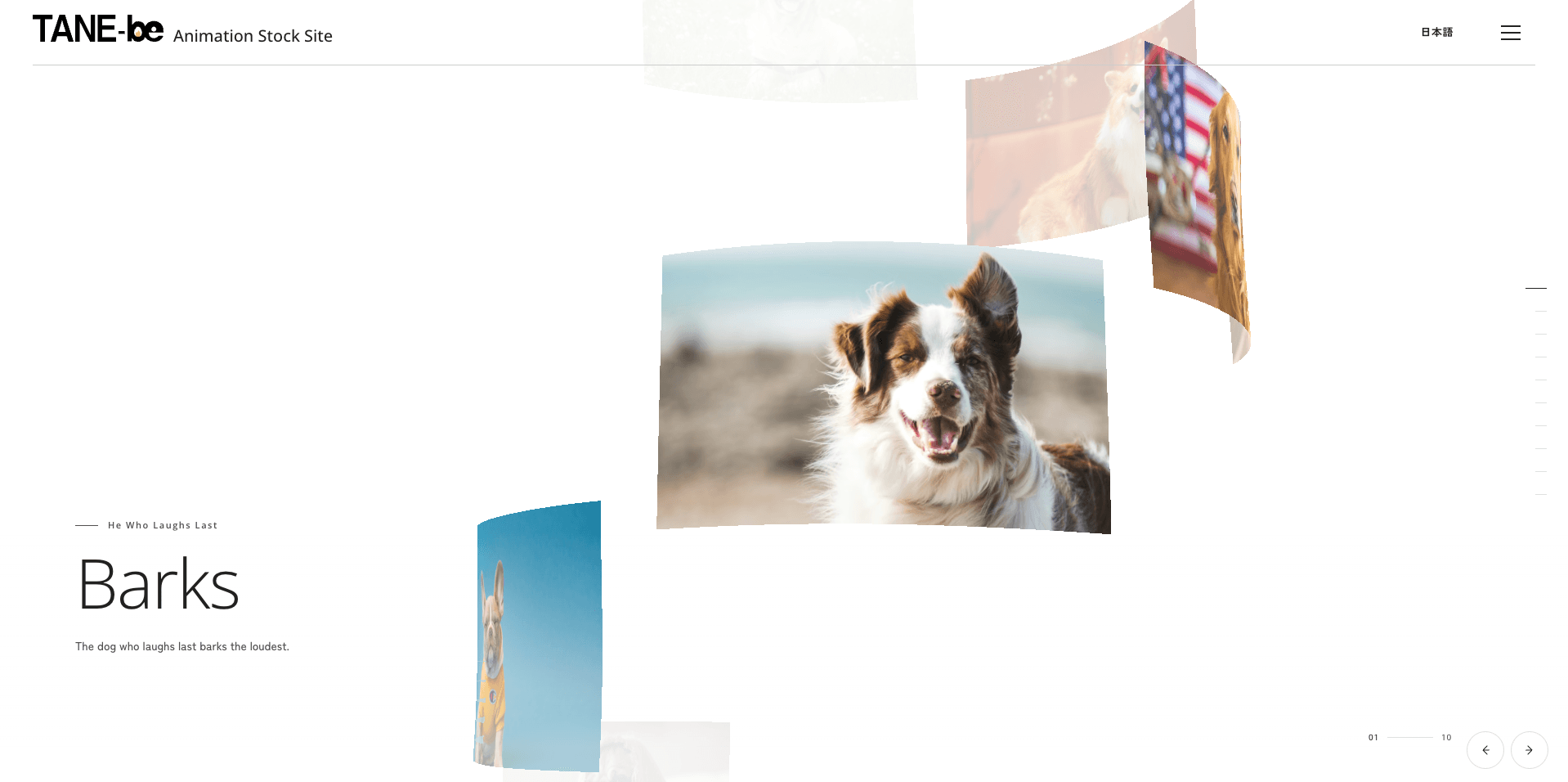
A thumbnail-driven image slider that switches photos through a custom Three.js shader, layering ripples, noise distortion, and chromatic aberration into one transition. GSAP keeps the WebGL effect and the typography perfectly in sync.
- Built with
- Published
Where to use it
- Key visuals for brand sites
- Photographer portfolios
- Campaign sites
- Film and video galleries
How it works
- Two textures blend on the GPU, with noise and ripples warping the boundary between them
- Red, green, and blue sample from offset positions to create chromatic aberration only at the moment of transition
- One GSAP timeline keeps the shader, heading, slide number, and thumbnails in sync
- The image and grid shift slightly with the mouse to add depth
- Navigate with the vertical thumbnails at the bottom right, the arrow keys, the previous/next buttons, or by swiping
- The shader corrects the image aspect ratio so it stays cover-fit on any screen
- Rendering and autoplay stop off-screen, and the device pixel ratio is capped
- Reduced-motion settings stop the distortion and autoplay and switch to a short crossfade
Make it your own
- Noise grain and ripple strength
- Amount of chromatic aberration
- Autoplay interval
- Thumbnail position and size
Before you ship
- Mobile & touch
- On phones, the thumbnails move to a horizontal row at the bottom right, and the copy size and spacing are tuned for small screens.
- Browser support
- Works in major modern browsers that support WebGL and ES modules. Without WebGL, the first image still appears as a background.
- Performance (load: High)
- devicePixelRatio is kept between 1 and 1.5 depending on the device, and textures are downscaled to 960px on phones. Instead of rendering constantly, WebGL updates only during transitions and pointer movement.
- Accessibility
- Uses native buttons with clear labels and supports pausing and resuming autoplay, the arrow keys, and keyboard focus. aria-live announces changes only on manual navigation.
- Reduced motion
- With prefers-reduced-motion, autoplay, parallax, and distortion stop, leaving only a short crossfade.
FAQ
How do I switch images with a shader?
Blend two textures on the GPU and warp the boundary between them with noise and ripples.
How do I add chromatic aberration during the transition?
Offset the sampling position for each RGB channel, and apply it only at the moment of transition.
How do I keep a WebGL slider lightweight?
Stop rendering and autoplay when it's off-screen, and cap the device pixel ratio.